
Introduction
In today’s fast-paced digital world, not everyone wants to (or can) show their face on camera. But that shouldn’t stop you from creating engaging, viral-worthy content. Faceless youtube videos are booming: they’re easier to produce, more accessible, and often just as impactful as traditional videos. Whether you’re a musician, meme creator, or just someone with a story to tell, faceless videos let you focus on creativity, not camera shyness. Or, maybe you just have an unfortunate case of Finglish, rally english style-accent XD
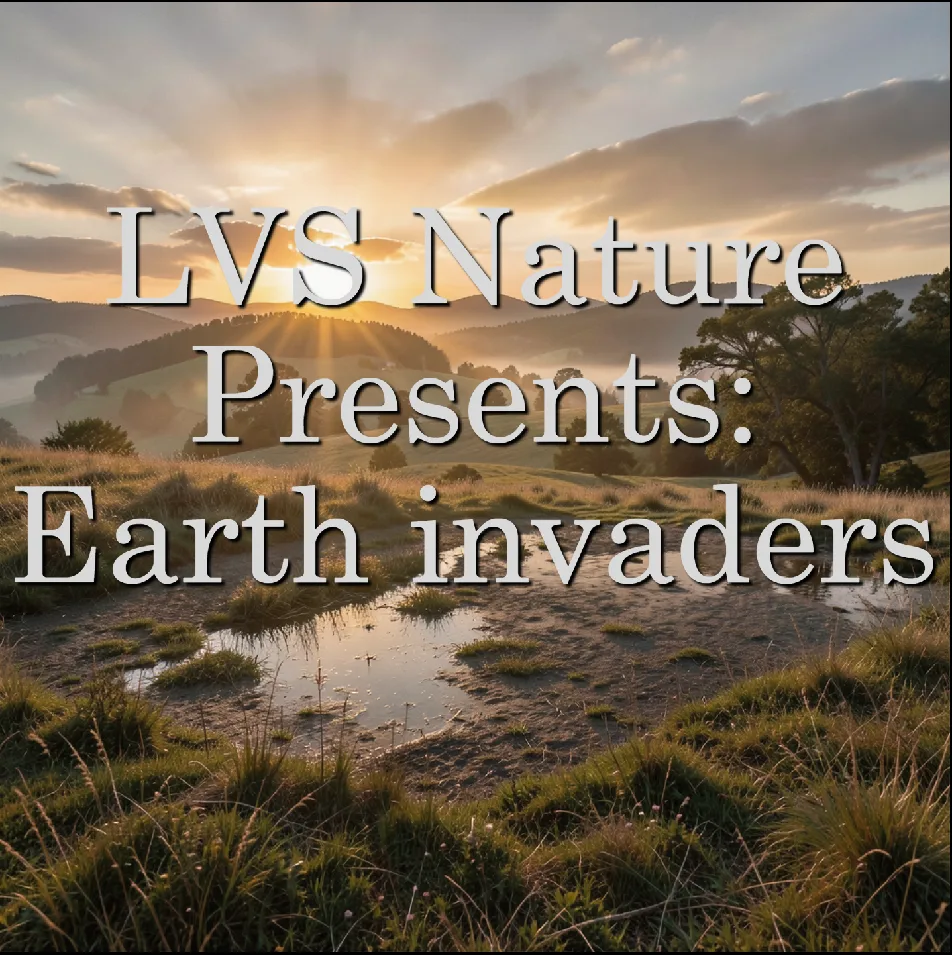
Let’s start with an example video: Here is quite simple video, mocumentary, about alien lifeforms settling to earth
The easy part
Creating this type of video in Lyric Video Studio is actually very simple and can be almost entirely done offline. Video generation in local environment requires higher end GPU, so we’ll use online service for that. But with a twist: we’re actually prompting everything inside the app and we get all the results directly to timeline!
- First, of course, is the idea. I had this “mockumentary” idea in my head / backlog for some time. When you have the topic, let’s first generate images
- Add new Image plugin track (small + icon on left side of the timeline): Generate locally. Create new item with ctrl + let clik on the timeline. . From bottom of the screen, select preset, for example z-image. If you want to use online image generation services, there are plenty of those to choose from. Use for example Black Forest Labs plugin
- Follow onscreen instructions to download models if needed
- Then simple type in the prompt and press generate. And repeat this step with new items as well.
- Create new track, Video Plugins -> Fal ai, for example. Click + icon of the track you just created, click “Import images from track”. Click on created item From the provider list, choose WAN/Wan2.6 Make sure to select the Flash mode, it’s 50% cheaper than regular one.
- You can also create items manually: Right click on generated item on timeline. Click “Copy source path”. Create new item to video plugin track and ctrl + v on on the image source field. Or, drag & drop images form your computer
- Add track level (left side) prompt, so you do not need to specify prompt to all item necessarily. Track level prompt and item level prompts are combined when generating. This way you can add more detailed prompts to individual items, keeping the track prompt as well
- Click generate. It’s best to do this first on one item to see it how the output looks like. You can then click “Generate all” to make the rest of the items
- Now, for the lyrics track, ctrl + click to crate items or press ctrl+ L to quick-create text. Create narrations texts for the videos.
- You can hide this track with the little V button on track, if you do not need subtitles.
- Alternatively, you can narrate the whole video using microphone, to audio track. And then extract the text using built-in tools (right click on the audio item)
- When done, create new Audio plugin track, for example Chatterbox. Again, click + icon on the created track, select “Import lyrics from track”. THis will create the items from your narrations.
- Then, just choose the voice and off you go 🙂 As usual, generate one first and when happy, Generate all
- You can add background music as well. Wan2.6 adds audio to videos as well, but for the whole experience, use MusicGpt plugin to create smoothing background music

Final words
🎉 Ready to Make Your First Faceless Video? You now have everything you need to create engaging, faceless videos—whether it’s a lyric video, a meme compilation, or a cinematic slideshow. With lyricvideo.studio, you can turn your ideas into polished, shareable content in minutes, no filming required.
🚀 Next Steps:
- Try it out: Download lyricvideo.studio and experiment with animated text, memes, or lyrics.
- Go viral: Share your creations on YouTube, TikTok, or Instagram and watch the engagement roll in.
- Stay inspired: Follow us for tips, trends, and updates on new features.
💬 Got questions or ideas? Drop a comment below or reach out—we’d love to see what you create!
You can download the project files from OR directly from the app.
Happy creating! 🎶✨

https://lyricvideo.studio
https://apps.microsoft.com/detail/9p2mr2s6w20h
https://lyricvideostudio.itch.io/lvs
https://store.steampowered.com/app/3126810/Lyric_Video_Studio/
Free LITE version:
https://apps.microsoft.com/detail/9pn5djxq9dp7
#LyricVideoStudio #VideoEditing #VideoEditor #NLE #VideoEditingSoftware #MusicVideoEditor #LyricVideoMaker #LyricVideo #MusicVideo #PostProduction #MusicVisualizer #IndieArtist #MusicianTools #ContentCreator #IndieDev #MadeInEurope #MadeInFinland #EUtech
Discover more from Lyric Video Studio
Subscribe to get the latest posts sent to your email.

