
Intro
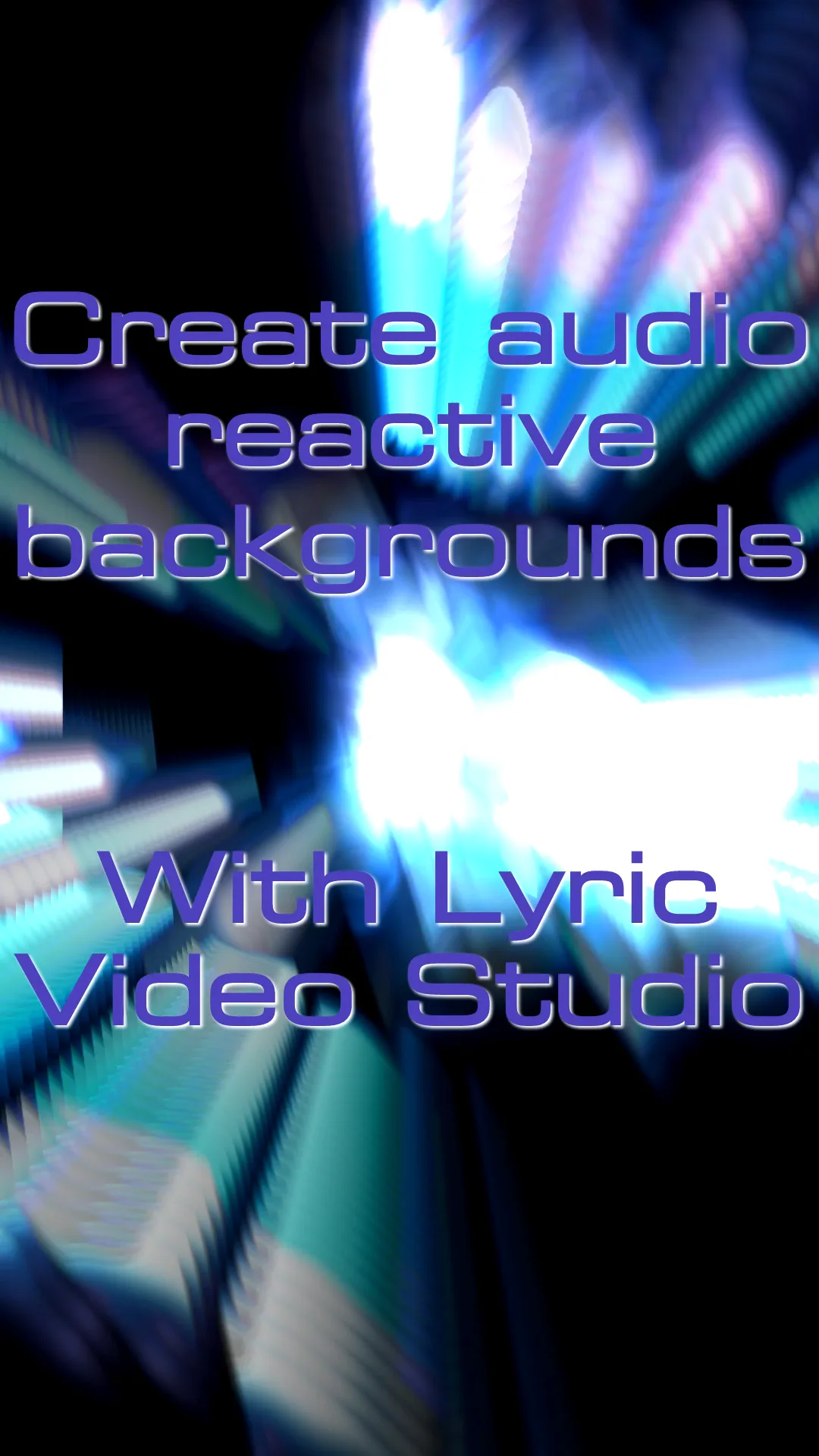
You can create an audio-reactive music visualizer by importing your song into Lyric Video Studio, choosing a MilkDrop preset and rendering the visualization directly to video. Unlike recording Winamp or projectM with OBS, the visualization is rendered frame-by-frame and can be edited directly on the timeline.
There’s a lot of AI tools out there and new innovations seem to come from that area. But there’s some good old math-related tech, forgotten in the mist of time, that can make your song come alive. If you were 90’s / 2000’s-kid, you probably remember the app WinAmp. It had some cool visualizations for the music and that visualization engine was later separated from the main app and open-sourced. It was called MilkDrop. Before this, there was no easy way to convert those visualizations to video. Perhaps you’d use OBS studio or similar app to record the video. No longer! You can now use Lyric Video Studio to manage the tens of thousand of presets and generate the visualization from audio directly to the timeline.
The instructions
- Fire up the app, create a new project and create audio track, by pressing the + icon on time track or lyrics track
- Do one of the following this: Either drag & drop the audio file to the timeline OR hold down ctrl and click the audio track with left mouse to create item. Select the source file from the view that opens to your right
- Right click on the audio item and select “Create audio-reactive background”
- On first setup, the app asks you for a folder where to download initial presets pack. You can use own presets as well, just search “Milkdrop presets“
- External app will now launch and you see simple UI for controlling things
- If you go back to main app and change the playhead position, the external app will follow and preview starts from the same place.
- You can add multiple presets to the playlist. Use timeline view to jump to desired one and select new preset that will start playing at that time
- After you are satisfied, click “Render sequence” to turn the visualization to a video in your timeline
- That’s it, then all you need to do is click “Render” in the main app and you have yourself non-ai visualization

Now, if you want to add lyrics to your visualization as well, you can follow this tutorial: https://lyricvideo.studio/how-to-make-a-simple-lyric-video-a-step-by-step-guide/
You can also move the presets in timeline view or delete if needed. You can also render the sequence using png for transparency and mix it with other visuals in the timeline. Png rendering is much slower and will results in much larger size on disk. Render resolution matches the project resolution, so you can render with 4K also!
If you are c++ developer, you might find the repository code useful: https://github.com/mpulukkinen/projectm

Discover more from Lyric Video Studio
Subscribe to get the latest posts sent to your email.

