

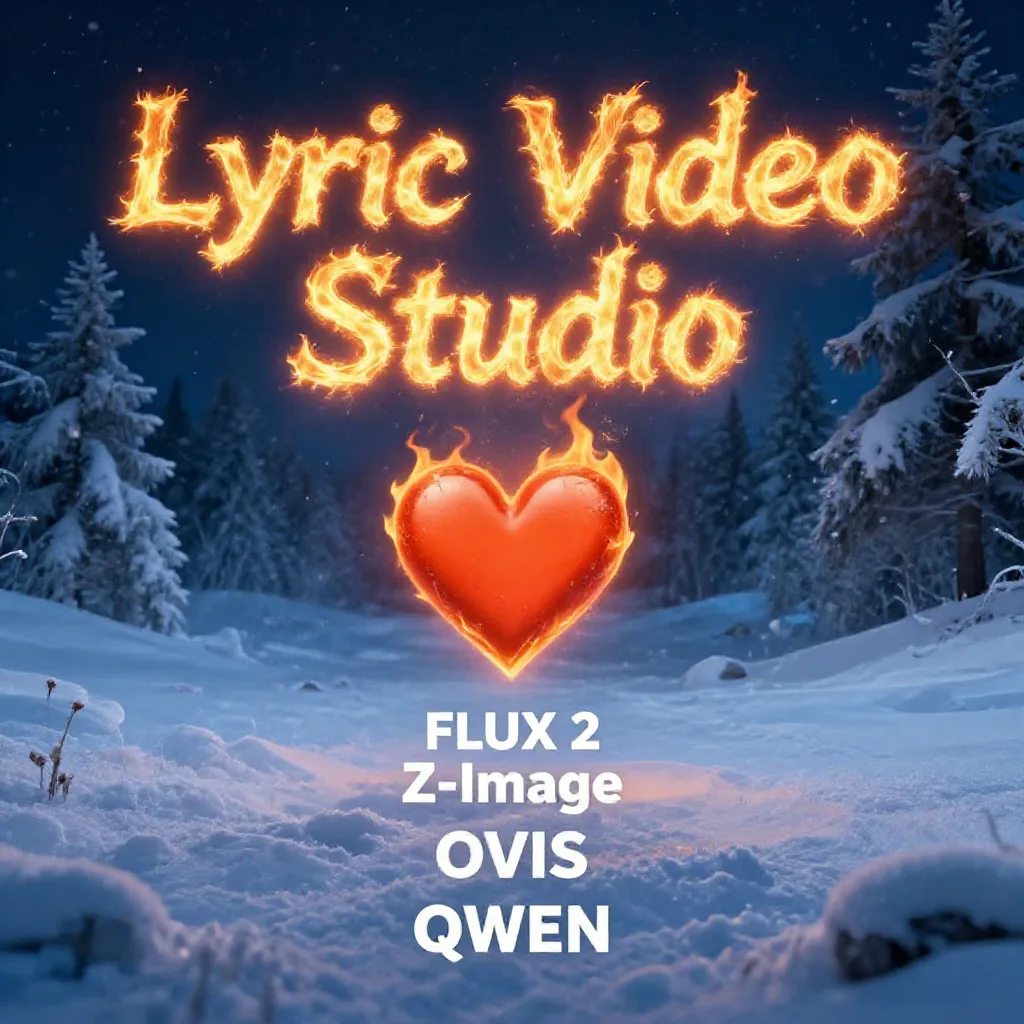
v1.4 is finally out, with all the planned content in. Below is the list of updates since the MilkDrop dropped 😀 Few words about the future updates: some leftover maintenance and couple of QoL updates are planned. As well as project start wizard, to aid you in choosing the right tools for your job! Local stable diffusion lost some of the features on the update, like upscaling and embeddings, those will be back. Also, SD version should also support wan2.1 & 2.2, but since there’s already python based implementation, I first have to check is the cpp better or not. And as always, if any new models pop up, you’ll be one of the first ones to receive them!
Here it is, the full list of latest updates and the official launch of 1.4:
SPOUT support: send playback to Spout or record from spout input
You ask, I deliver: this feature was a request from user 🙂
Fixed Ripple shader
Increased performance of video / image sequence playback
Huge genAi update!
FalAi: Ovis image (great for rendering text), KlingAi 2.6 & ai avatar v2, pixverse 5.5, editto video (video editing)
Minimax plugin: Hailuo 2.3
lf plugin: Flux 2 support, also editing
Local stable diffusion update: z-image, ovis image, Flux2 and QWEN image
LLM view no longer crashes if model folder is inaccessible
Fix regression of folder picker not starting on input fields where they should…
Attempt to fix & unify the behaviour resulted in total failure of all… Worked on my machine…
Integrated stable diffusion plugin now supports importing prompts when importing images
Plugin tracks can now import text (prompts) from other plugins
MusicGtp plugin supports now input audio / Remix-feature
VIdeo interpolation support! Access with right clicking on video item
LLM supports improving prompts
Fix some bugs from LLM view. Full/Trial version of Microsoft store now able to use local LLM
Fix issue where using fragment shader as transition in track did not render on single
screen like it’s supossed to (performance & quality reasons)
Add new distortions shaders
Fix shader editor not updating time when play was clicked
Automatically trim audio/video clips based on audio volume. Right click and select
‘Trim silent parts’ item to access this tool
Tutorial-menu now contains list of text tutorials from
https://lyricvideo.studio
Added two new fragment shaders, that makes image/video look like
it’s viewed through broken glass
Added splash screen
Improve project load times when same videe source is split
multiple times
https://lyricvideo.studio
https://apps.microsoft.com/detail/9p2mr2s6w20h?hl=en-US&gl=US
https://store.steampowered.com/app/3126810/Lyric_Video_Studio/
https://apps.microsoft.com/detail/9pn5djxq9dp7?hl=en-US&gl=US (LITE)
#LyricVideoStudio #MadeInEurope #BuyFromEU #AIVideoEditor #MusicMarketing #IndieDev #LyricVideoMaker #CreativeTools #EUtech #FinlandTech #LyricVideo #IndieArtist #MusicPromo #Visualizer #AIArt #VideoProduction #MusicVideo #LyricEdits
Discover more from Lyric Video Studio
Subscribe to get the latest posts sent to your email.
